Your Studio
Your AI staff is here and ready.
A short pause to settle your mind.

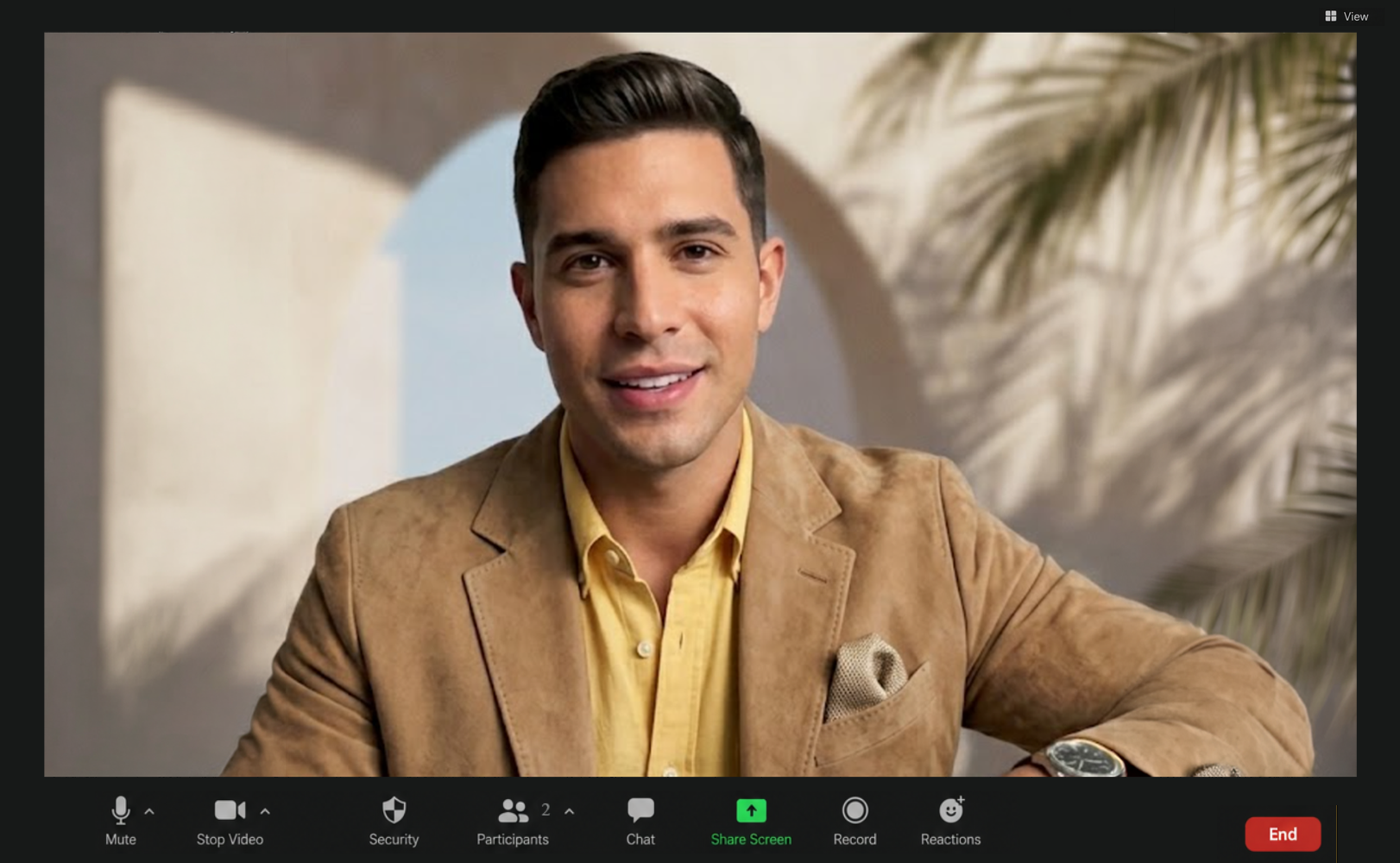
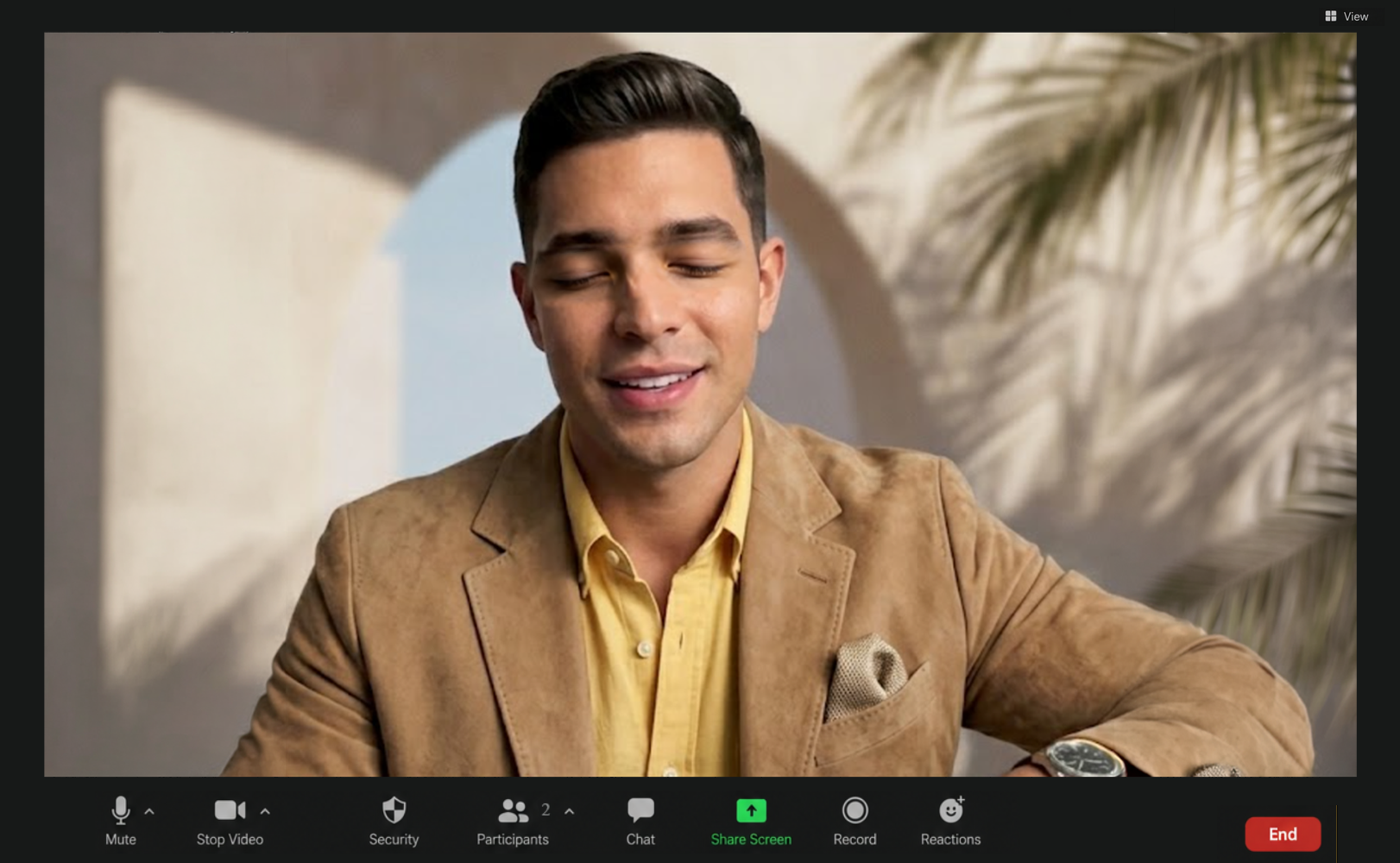
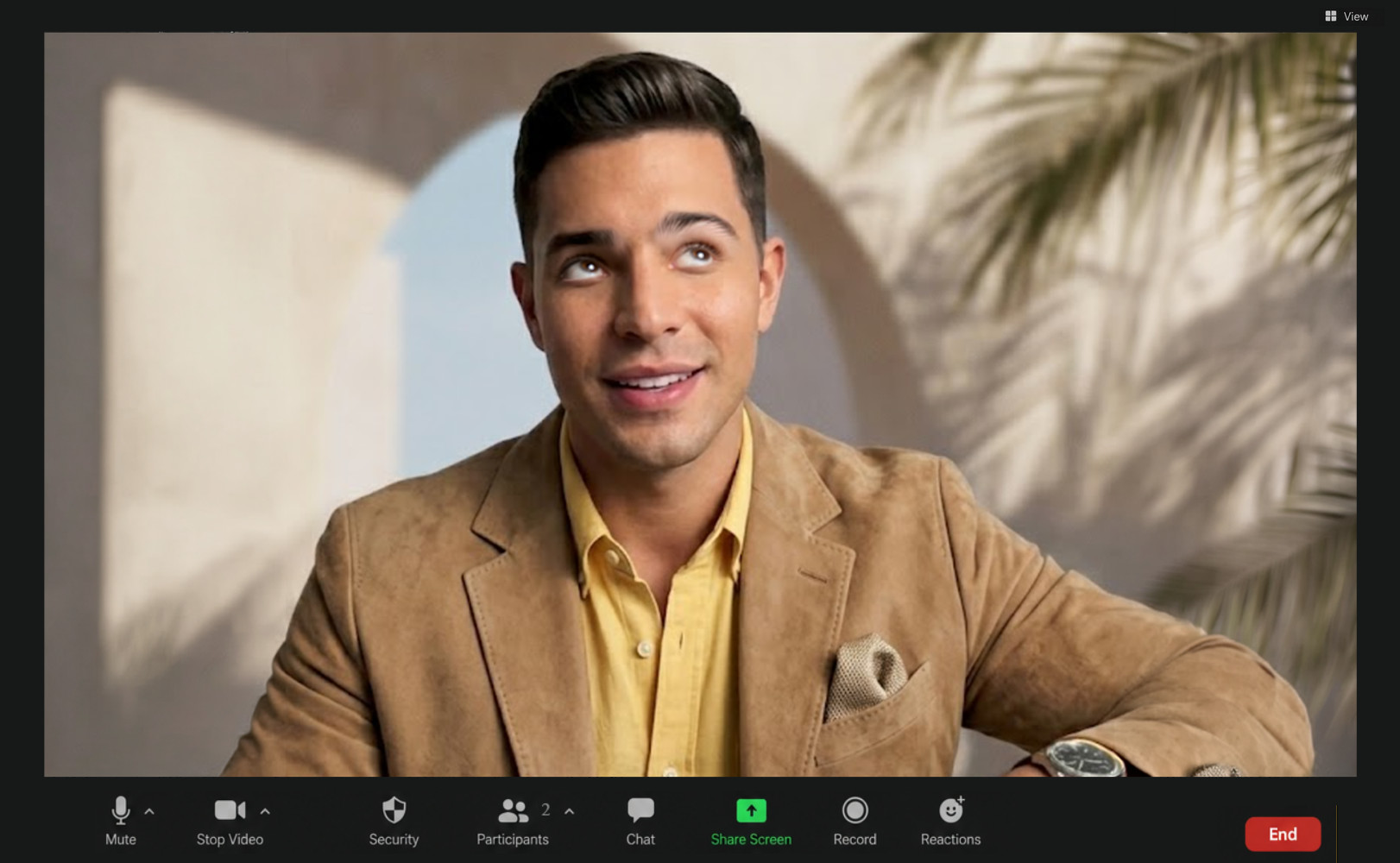
Late twenties, Cuban-American, Coral Gables family with Palm Springs summers. Loud laugh, honest opinion, will absolutely tell you the dress is wrong. He holds your week, makes the calendar work glamorous instead of a chore, and gossips with you about everyone else.
Give your PA your CV / résumé
Upload your CV or résumé and your PA reads it once, so they know who you are, your field, and what you are working on, and the morning brief starts searching the web for what fits you.
PDF or plain text for now. Stored privately, never shown on any page.
Give your PA your calendar
Your PA can read your actual calendar, so the morning brief talks about your real week. Works with Outlook and Google; have more than one calendar? Paste each link, your PA holds them all.
Outlook
1. In Outlook on the web: Settings → Calendar → Shared calendars.
2. Under Publish a calendar, pick your calendar, set Can view all details, click Publish.
3. Copy the ICS link and paste it into the chat here. Your PA confirms and keeps it.
Google Calendar
1. At calendar.google.com (on a computer): gear icon → Settings.
2. In the left list under Settings for my calendars, click your calendar, then Integrate calendar.
3. Copy the Secret address in iCal format and paste it into the chat here. Your PA confirms and keeps it.
Either link is stored privately and never shown on any page. To revoke access: in Outlook, unpublish the calendar in the same panel; in Google, click Reset next to the secret address. To rotate, revoke, regenerate, and paste the new link.

Zara, Sneha, or Ayanna will ask you four things and write the post. Copy and paste it to your account.